
Our verdict: Larger prints and cosplay parts in an enclosure
Creality K1 Max
Large enclosed CoreXY printer · Creality
A 300 mm cube with LiDAR first-layer checks.
Best forLarger prints and cosplay parts in an enclosure
Key specs Manufacturer data
- Technology
- FDM, CoreXY, enclosed
- Build volume
- 300 × 300 × 300 mm
- Max speed
- 600 mm/s (300 mm/s typical)
- Max acceleration
- 20,000 mm/s²
- Max nozzle temp
- 300 °C, hardened steel nozzle
- Extruder
- Dual-gear direct drive, 32 mm³/s max flow
- Bed leveling
- Automatic + AI LiDAR first-layer scan
- Camera
- AI camera
- Screen
- 4.3"
- Connectivity
- LAN, Creality Cloud, USB
- Machine size
- 435 × 462 × 526 mm
- Weight
- 18 kg
Why it stands out
- 300 × 300 × 300 mm enclosed build volume
- AI LiDAR checks the first layer and pauses on errors
- Hardened steel nozzle, up to 32 mm³/s flow
Trade-offs
- 18 kg and a large footprint
- Tom's Hardware noted a poor filament path and glue-stick adhesion
- No heated chamber
Spec sources: creality.com, tomshardware.com
The headline specs
- Technology: FDM, CoreXY, enclosed
- Build volume: 300 × 300 × 300 mm
- Max speed: 600 mm/s (300 mm/s typical)
- Max acceleration: 20,000 mm/s²
- Max nozzle temp: 300 °C, hardened steel nozzle
- Extruder: Dual-gear direct drive, 32 mm³/s max flow
- Bed leveling: Automatic + AI LiDAR first-layer scan
- Camera: AI camera
Spec sources: creality.com, tomshardware.com. Specs checked .
What stands out
Creality pairs a 300 mm cube with two safety nets: a 1 µm LiDAR that scans the first layer and an AI camera that watches for spaghetti and foreign objects. Tom's Hardware praised its speed and price against rivals while noting it needs glue stick on the plate.
Who it suits, who should skip it
- Best for: Larger prints and cosplay parts in an enclosure.
- Skip it if your bench is small or you mainly print sub-200 mm parts.
Recommended settings and materials
The K1 Max is built for large parts, so plan for long jobs. Creality quotes 600 mm/s peak but around 300 mm/s in typical use; large prints come out more reliably at that pace. For PLA, open the top so the chamber does not overheat; for ABS and ASA, close it and preheat the bed. Large flat parts are where warping shows first: add a brim, slow the first layers and keep the build plate clean. The hardened steel nozzle and 32 mm³/s flow let you use a 0.6 mm nozzle and thicker layers to cut print times on big pieces, and to run carbon-fiber filaments once they are dried.
Temperature ranges are common starting points from filament and resin makers: always follow the label of the spool or bottle you use.
Living with it: upkeep and running costs
Big prints consume a lot of filament, so the real running cost is material: a full-height part can use most of a 1 kg spool. Keep spare build plates, since glue or textured surfaces wear with use (Tom's Hardware relied on glue stick for adhesion). Check belt tension and clean the LiDAR window when first-layer scans start to fail. At 18 kg and 435 × 462 mm, it needs a dedicated, stable table; two people make moving it easier.
Before you buy: checklist
- Reserve a stable table of at least 50 × 50 cm for an 18 kg machine.
- Check you really need 300 mm: cosplay, helmets and large enclosures are the typical use.
- Plan for filament storage and drying, since big jobs run for many hours.
- Factor in that there is no heated chamber: very large ABS parts may still warp.
Where to buy
| Merchant | Type | Link |
|---|---|---|
| Creality store | affiliate link | Creality store |
| Creality | no commission | Official store |
Other options
The K1 Max's 300 mm cube is its whole point. The Creality K1C offers the same speed figures in 220 × 220 × 250 mm and 12.4 kg, so it only makes sense if your parts stay small. The Qidi Plus4 is the step up for engineering materials: 305 × 305 × 280 mm, a 370 °C hotend and an actively heated chamber, which the K1 Max lacks, but it weighs 27 kg. The Sovol SV08 gives more room again, 350 × 350 × 345 mm, with 700 mm/s and 40,000 mm/s² on paper, but it is an open-frame kit you assemble yourself. The K1 Max sits in the middle: large, enclosed and ready to use.
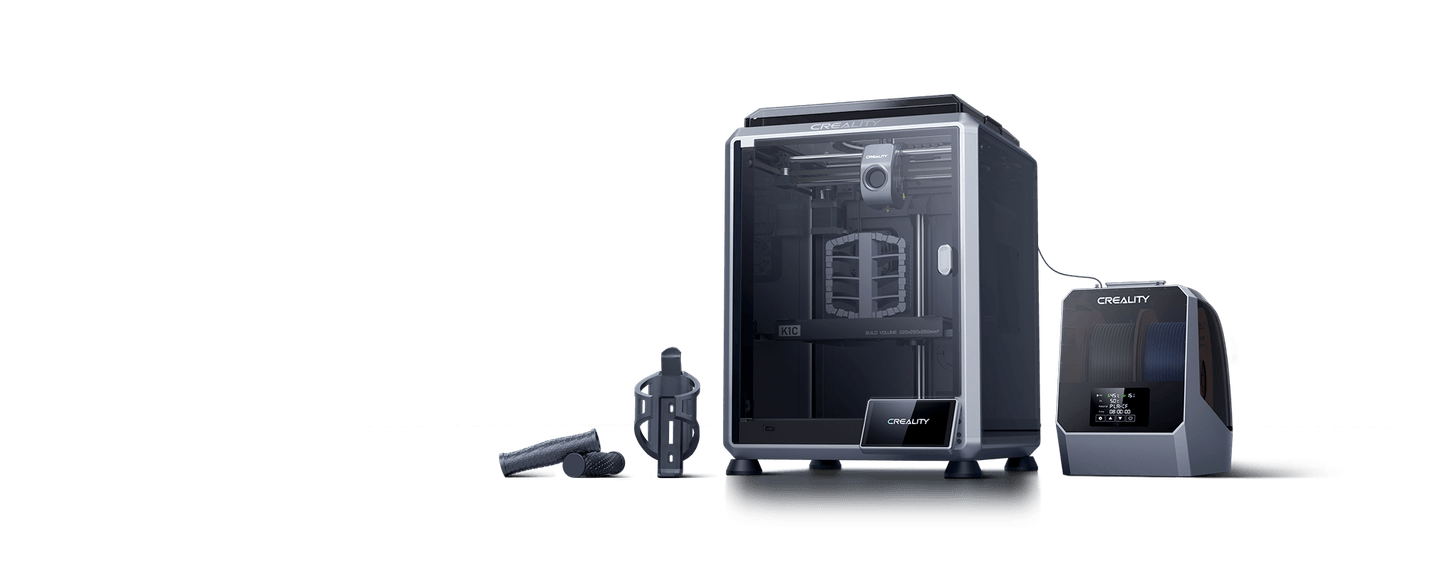 Read the reviewCreality K1CCreality's small enclosed CoreXY, rated for carbon-fiber filaments.
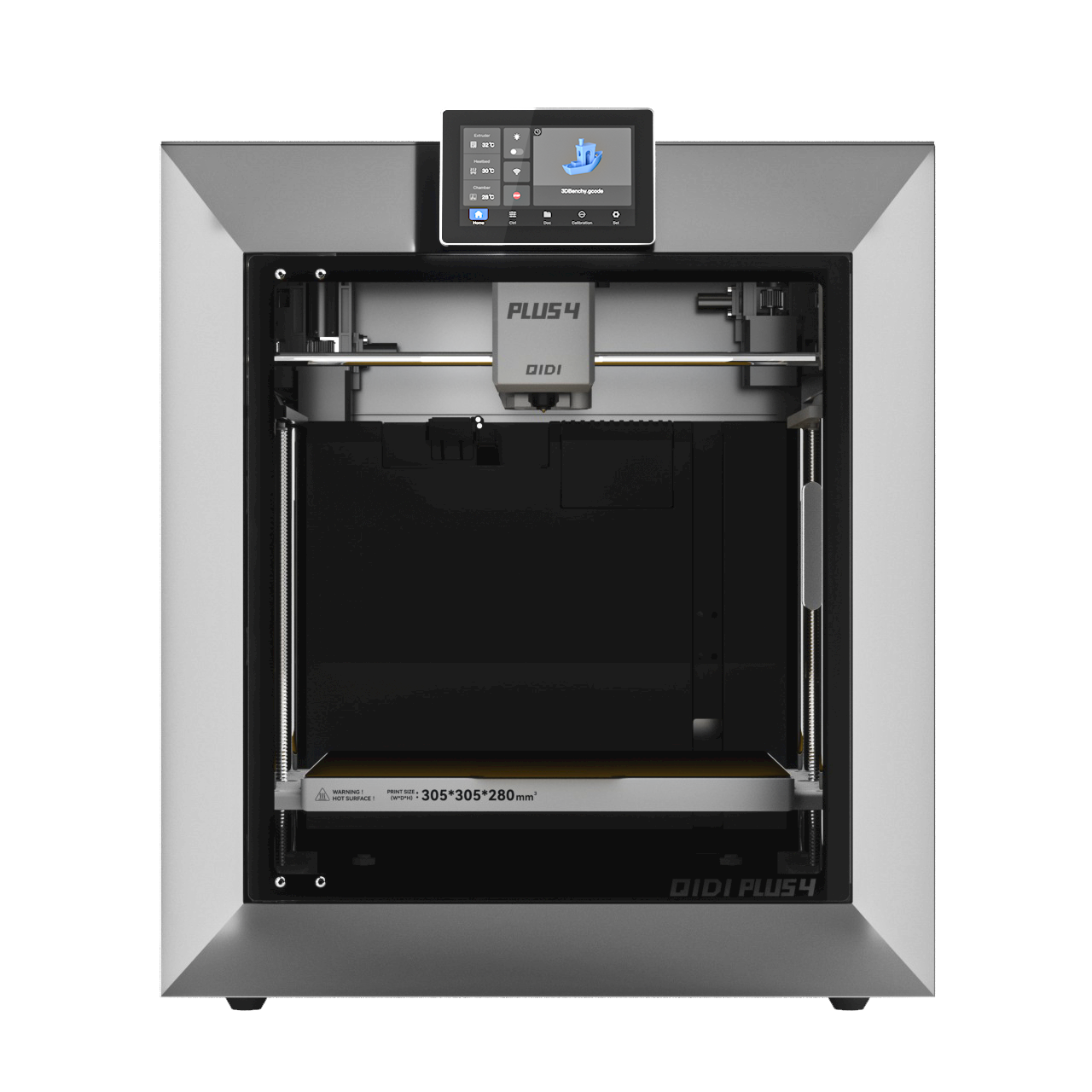 Read the reviewQIDI Plus4A 305 mm enclosed CoreXY with an actively heated chamber and a 370 °C hotend.
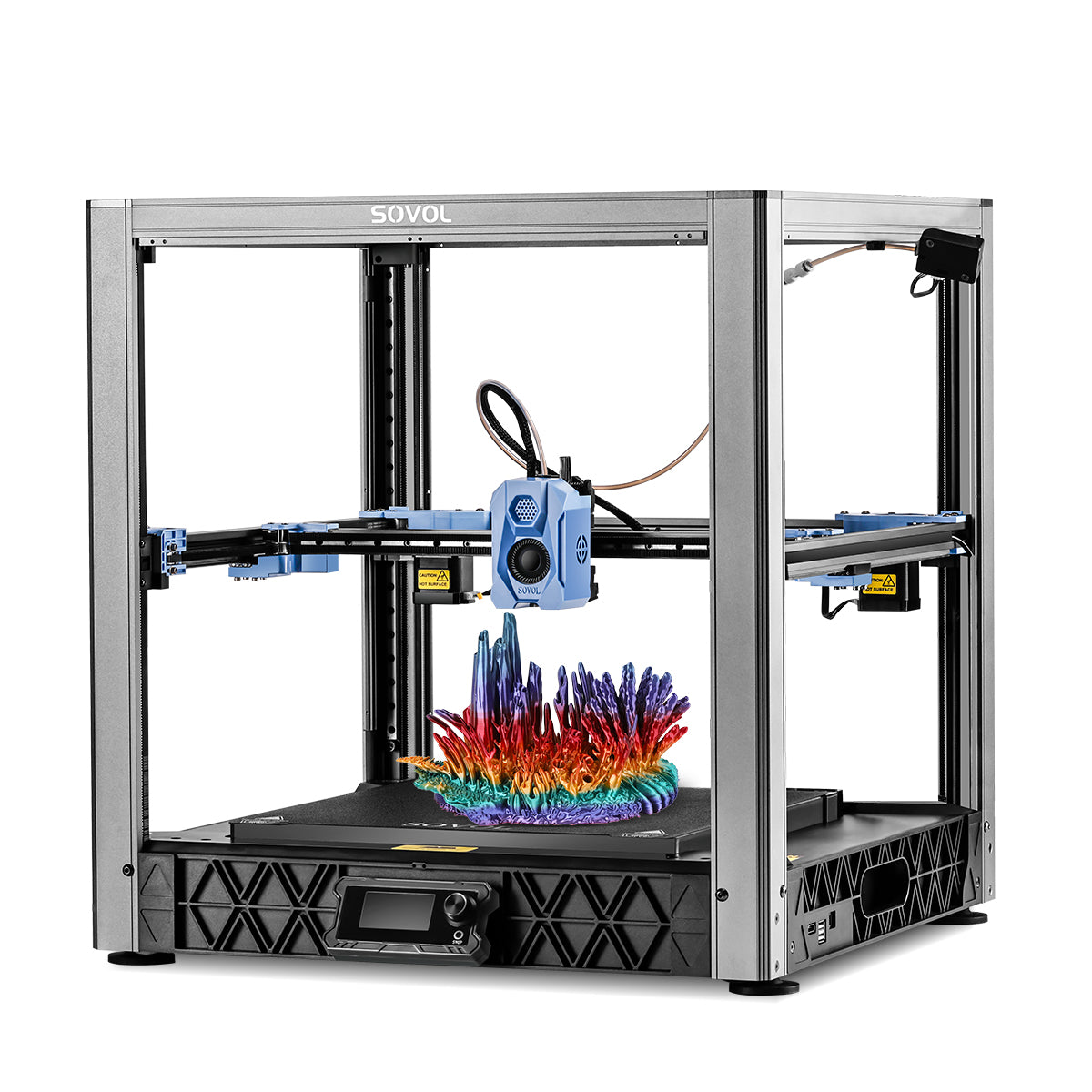 Read the reviewSovol SV08A 350 mm open CoreXY with four Z motors and linear rails everywhere.
How it compares
Swipe sideways to compare all 4
| Spec | Creality K1 Max | Creality K1C | QIDI Plus4 | Sovol SV08 |
|---|---|---|---|---|
| Technology | FDM, CoreXY, enclosed | FDM, CoreXY, enclosed | FDM, CoreXY, enclosed | FDM, CoreXY, open frame |
| Build volume | 300 × 300 × 300 mm | 220 × 220 × 250 mm | 305 × 305 × 280 mm | 350 × 350 × 345 mm |
| Max speed | 600 mm/s (300 mm/s typical) | 600 mm/s | — | 700 mm/s |
| Max acceleration | 20,000 mm/s² | 20,000 mm/s² | — | 40,000 mm/s² |
| Max nozzle temp | 300 °C, hardened steel nozzle | 300 °C | 370 °C | 300 °C |
| Extruder | Dual-gear direct drive, 32 mm³/s max flow | Dual-gear direct drive | Direct drive, dual-metal high-flow nozzle | — |
| Bed leveling | Automatic + AI LiDAR first-layer scan | Automatic | Automatic | — |
| Camera | AI camera | AI camera | — | Yes |
| Screen | 4.3" | 4.3" | 5" | 5" |
| Connectivity | LAN, Creality Cloud, USB | Wi-Fi, USB | LAN, Wi-Fi, USB | Ethernet, Wi-Fi 2.4 GHz |
| Machine size | 435 × 462 × 526 mm | 355 × 355 × 482 mm | 505 × 487 × 550 mm | 550 × 537 × 575 mm |
| Weight | 18 kg | 12.4 kg | 27 kg | — |
| Max bed temp | — | 100 °C | — | 100 °C |
| Enclosure | — | — | Enclosed, actively heated chamber | — |
| Where to buy |
Frequently asked questions
How big is the K1 Max build volume?
300 × 300 × 300 mm according to Creality.
Does the K1 Max have LiDAR?
Yes. Creality describes an AI LiDAR with 1 µm resolution that scans the first layer and pauses the print if something goes wrong.
What speed does the K1 Max really print at?
Creality quotes 600 mm/s max and notes the typical speed is 300 mm/s.
What does the LiDAR on the K1 Max do?
Creality uses it to scan the first layer and to pause the print when it detects a problem, so you lose less time and filament on failed starts.
Is the K1 Max fast in real use?
Creality quotes 600 mm/s peak and about 300 mm/s typical. Large parts are usually printed closer to the typical figure for reliability.
Can the K1 Max print nylon or carbon-fiber filament?
Its hardened steel nozzle reaches 300 °C, which covers many carbon-fiber blends. Dry nylon-based filaments before printing; the highest-temperature materials need a hotter machine such as the Qidi Plus4.
Did you test the Creality K1 Max yourselves?
No. This page is based on the manufacturer's published specifications and on public reviews, which we cite and date. If a brand lends us a unit, the page will say "Tested by the team".