
Our verdict: A first printer on a tight budget
Creality Ender-3 V3 SE
Entry-level bed-slinger printer · Creality
The low-cost Ender with auto leveling and a direct drive.
Best forA first printer on a tight budget
Key specs Manufacturer data
- Technology
- FDM, Cartesian, open frame
- Build volume
- 220 × 220 × 250 mm
- Max speed
- 250 mm/s
- Max acceleration
- 2,500 mm/s²
- Max nozzle temp
- 260 °C
- Extruder
- "Sprite" direct drive
- Bed leveling
- CR Touch auto leveling + auto Z offset
- Enclosure
- Open frame
- Screen
- 3.2" color screen with knob
- Machine size
- 349 × 364 × 490 mm
- Weight
- 7.12 kg
Why it stands out
- CR Touch auto leveling plus automatic Z offset
- Direct-drive "Sprite" extruder handles TPU
- Tom's Hardware: affordable and easy to assemble
Trade-offs
- 250 mm/s is modest next to CoreXY printers
- Open frame: not suited to ABS
- PC-coated plate criticised by Tom's Hardware
Spec sources: creality.com, tomshardware.com
The headline specs
- Technology: FDM, Cartesian, open frame
- Build volume: 220 × 220 × 250 mm
- Max speed: 250 mm/s
- Max acceleration: 2,500 mm/s²
- Max nozzle temp: 260 °C
- Extruder: "Sprite" direct drive
- Bed leveling: CR Touch auto leveling + auto Z offset
- Enclosure: Open frame
Spec sources: creality.com, tomshardware.com. Specs checked .
What stands out
Creality quotes 250 mm/s and 2,500 mm/s² for the V3 SE, well below CoreXY machines, but it keeps the essentials a beginner needs: a CR Touch probe with automatic Z offset, a direct-drive extruder that also handles TPU, and dual Z screws to limit wobble.
Who it suits, who should skip it
- Best for: A first printer on a tight budget.
- Skip it if you want ABS/ASA, multicolor or unattended fast printing.
Recommended settings and materials
The Ender-3 V3 SE is a PLA and PETG machine first. Start from the Creality Print profiles: PLA around 200–215 °C with the bed at 55–60 °C, PETG around 230–240 °C with the bed at 70–80 °C. Its 250 mm/s top speed is realistic for draft prints; for parts that need a clean surface, drop to 100–150 mm/s. The direct-drive Sprite extruder is what lets it print TPU, which many entry-level printers struggle with: print flexibles slowly, around 20–30 mm/s, with minimal retraction. Skip ABS and ASA, which warp and give off fumes in an open frame.
Temperature ranges are common starting points from filament and resin makers: always follow the label of the spool or bottle you use.
Living with it: upkeep and running costs
As an open bed-slinger, the Ender-3 V3 SE is easy to maintain: you can reach every part with the tools in the box. Check the eccentric nuts and belts every few weeks, keep the Z rods clean, and replace the nozzle when prints start stringing or under-extruding. Tom's Hardware was unimpressed by the PC-coated plate, so a textured PEI sheet is a common, inexpensive first upgrade. The bed moves front to back, so leave about twice the bed depth free in front of and behind the printer.
Before you buy: checklist
- Leave room for the bed to travel: about 50 cm of depth in total.
- Plan a textured PEI plate as an early upgrade.
- Stick to PLA, PETG and TPU: ABS and ASA need an enclosure.
- Expect some assembly: the frame comes partly built.
Where to buy
| Merchant | Type | Link |
|---|---|---|
| Creality store | affiliate link | Creality store |
| Creality | no commission | Official store |
Other options
The Ender-3 V3 SE is the simplest machine in this lineup, and that is its appeal. The Elegoo Neptune 4 Pro shares the open bed-slinger design but runs Klipper, reaches 500 mm/s on paper with a 300 °C nozzle and a 110 °C bed, and offers 225 × 225 × 265 mm against 220 × 220 × 250 mm. The Flashforge AD5X moves to a compact CoreXY with four-color printing in a 220 mm cube. The Creality Hi Combo adds four-color CFS printing and a 260 × 260 × 300 mm volume. If you are learning on PLA and PETG and want the shortest path to a working first print, the Ender-3 V3 SE remains the easiest start.
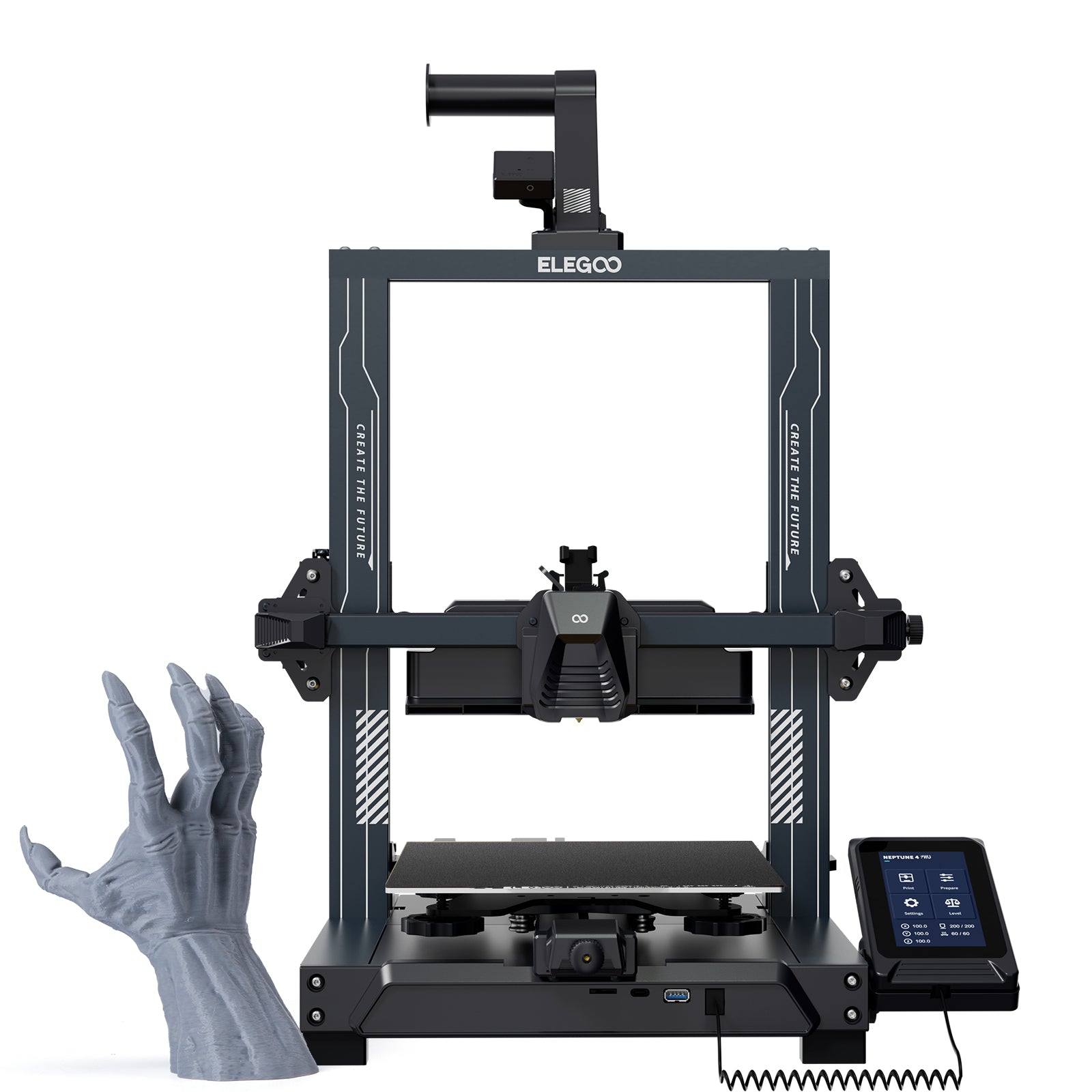 Read the reviewElegoo Neptune 4 ProA fast bed-slinger with a powerful direct-drive extruder.
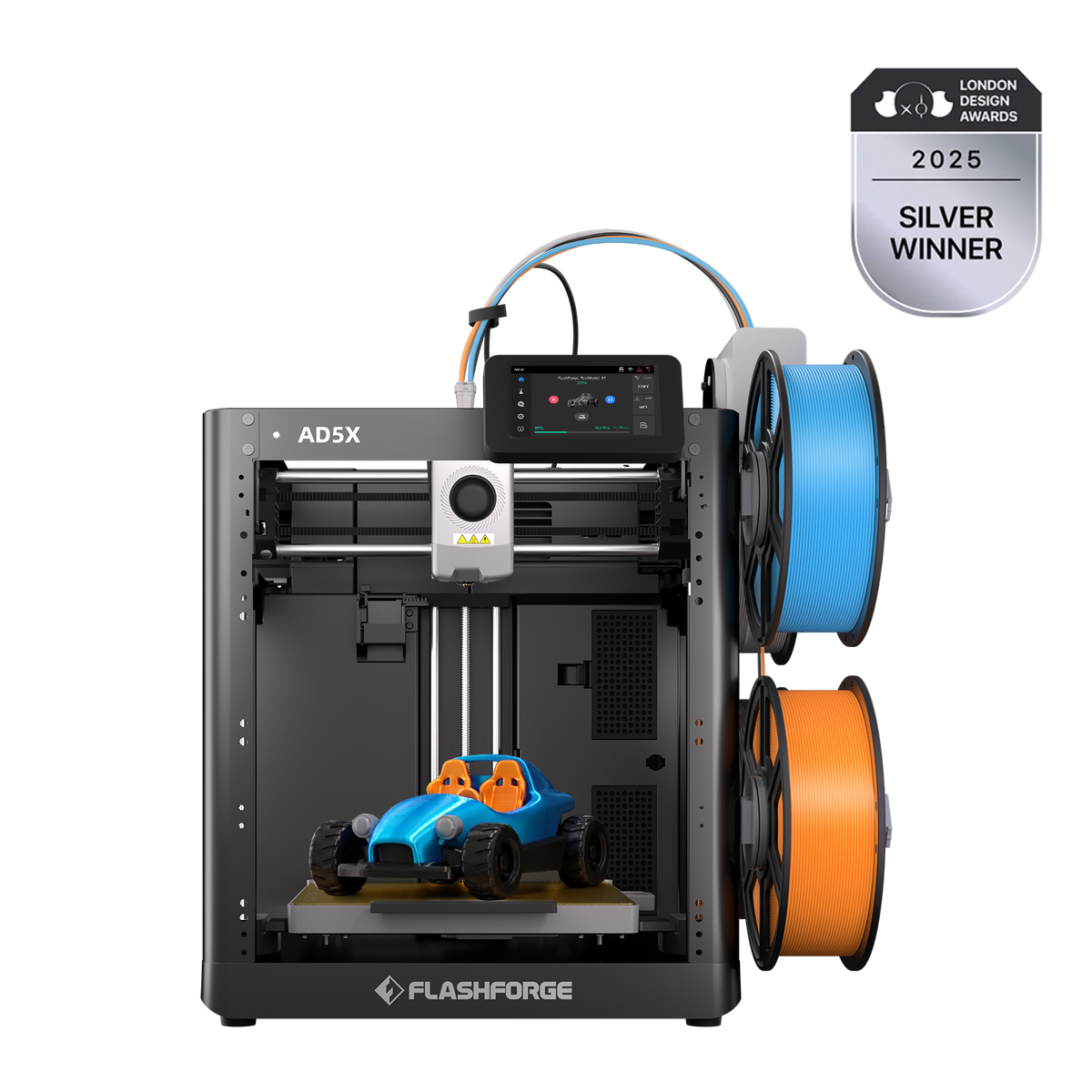 Read the reviewFlashforge AD5XFour colors in a small footprint, spools on the side.
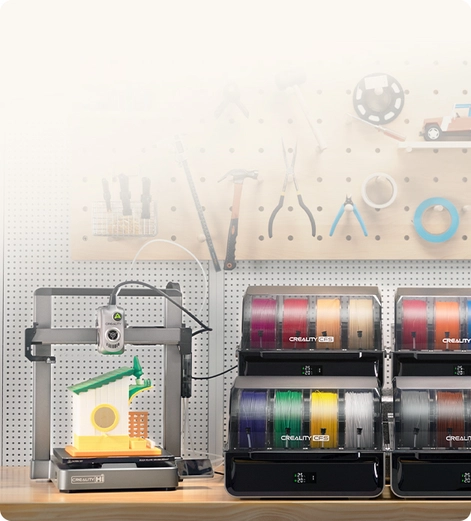 Read the reviewCreality Hi ComboCreality's open-frame route to 4-color printing.
How it compares
Swipe sideways to compare all 4
| Spec | Creality Ender-3 V3 SE | Elegoo Neptune 4 Pro | Flashforge AD5X | Creality Hi Combo |
|---|---|---|---|---|
| Technology | FDM, Cartesian, open frame | FDM, Cartesian, open frame | FDM, CoreXY, open | FDM, step-servo X/Y, open frame |
| Build volume | 220 × 220 × 250 mm | 225 × 225 × 265 mm | 220 × 220 × 220 mm | 260 × 260 × 300 mm |
| Max speed | 250 mm/s | 500 mm/s (250 mm/s suggested) | — | 500 mm/s (300 mm/s typical) |
| Max acceleration | 2,500 mm/s² | — | — | 12,000 mm/s² |
| Max nozzle temp | 260 °C | 300 °C | 300 °C | 300 °C |
| Extruder | "Sprite" direct drive | Direct drive | Direct drive | Direct drive |
| Bed leveling | CR Touch auto leveling + auto Z offset | 121-point automatic mesh | Automatic with auto Z offset | Automatic |
| Enclosure | Open frame | Open frame | Open frame | — |
| Screen | 3.2" color screen with knob | 4.3" | 4.3" | 3.2" |
| Machine size | 349 × 364 × 490 mm | 475 × 445 × 515 mm | 363 × 402 × 448 mm | 409 × 392 × 477 mm |
| Weight | 7.12 kg | — | 11.4 kg | 9.2 kg (13.6 kg Combo) |
| Max bed temp | — | 110 °C | — | 100 °C |
| Connectivity | — | USB, microSD | USB, LAN, Wi-Fi, app | Wi-Fi, USB |
| Multicolor | — | — | 4 colors | CFS: 4 colors, up to 16 with four CFS |
| Camera | — | — | — | Yes |
| Where to buy |
Frequently asked questions
Is the Ender-3 V3 SE good for beginners?
It is built for them: auto leveling, automatic Z offset and a simple assembly. Tom's Hardware listed easy assembly and auto bed leveling among its strengths.
Can the Ender-3 V3 SE print TPU?
Yes. Creality says its direct-drive "Sprite" extruder works with PLA, PETG and flexible TPU.
How fast is the Ender-3 V3 SE?
Creality quotes a 250 mm/s maximum speed and 2,500 mm/s² acceleration.
Is the Ender-3 V3 SE good for beginners?
Yes. CR Touch auto leveling with automatic Z offset removes the most common beginner headache, and Tom's Hardware found it easy to assemble.
Can the Ender-3 V3 SE print TPU?
Yes. Its direct-drive Sprite extruder handles flexible filament; print it slowly with little retraction.
What is the first upgrade worth doing?
A textured PEI build plate is the most common one, since Tom's Hardware criticised the stock PC-coated plate.
Did you test the Creality Ender-3 V3 SE yourselves?
No. This page is based on the manufacturer's published specifications and on public reviews, which we cite and date. If a brand lends us a unit, the page will say "Tested by the team".