
Our verdict: Detailed miniatures in cold rooms
Anycubic Photon Mono M7 Pro
14K resin printer with heated vat · Anycubic
A 14K resin printer with a heated vat and automatic refill.
Best forDetailed miniatures in cold rooms
Key specs Manufacturer data
- Technology
- MSLA resin
- Build volume
- 223 × 126 × 230 mm
- LCD
- 10.1" monochrome, 14K
- Light source
- COB with Fresnel lens
- XY resolution
- 16.8 × 24.8 µm
- Screen
- 5"
- Connectivity
- USB, Wi-Fi
- Machine size
- 310 × 315 × 520 mm
- Weight
- 12.8 kg
- Notable extras
- Heated vat, auto resin refill
Why it stands out
- 14K detail (16.8 × 24.8 µm XY)
- Heated vat for consistent resin temperature
- Factory-leveled plate and auto refill
Trade-offs
- Heated vat is awkward to handle
- Resin needs ventilation, gloves and post-curing
Spec sources: uk.anycubic3d.com, tomshardware.com
The headline specs
- Technology: MSLA resin
- Build volume: 223 × 126 × 230 mm
- LCD: 10.1" monochrome, 14K
- Light source: COB with Fresnel lens
- XY resolution: 16.8 × 24.8 µm
- Screen: 5"
- Connectivity: USB, Wi-Fi
- Machine size: 310 × 315 × 520 mm
Spec sources: uk.anycubic3d.com, tomshardware.com. Specs checked .
What stands out
Tom's Hardware measured the M7 Pro's 223 × 126 × 230 mm volume, 10.1-inch monochrome screen and COB light with Fresnel lens, and praised its 14K detail, speed, heated vat and factory-leveled plate. Resin printing still needs a ventilated space and a wash-and-cure routine.
Who it suits, who should skip it
- Best for: Detailed miniatures in cold rooms.
- Skip it if you have no ventilated space for resin.
Recommended settings and materials
Resin printing depends on temperature more than most beginners expect, which is why the M7 Pro's heated vat matters: most standard resins are specified for roughly 25–30 °C, and a cold garage or winter room makes them thick and prone to failed prints. Start with Anycubic's exposure settings for its own resin, then run a calibration print (such as a resin exposure test model) when you change brands. Use 0.05 mm layers for general models and drop to 0.03 mm for miniatures where the 14K screen's 16.8 × 24.8 µm pixels make a visible difference. Wear nitrile gloves, keep the room ventilated, wash parts in isopropyl alcohol or a water-washable resin's recommended cleaner, then post-cure under UV.
Temperature ranges are common starting points from filament and resin makers: always follow the label of the spool or bottle you use.
Typical projects
Typical projects for the M7 Pro are tabletop miniatures printed in batches across the whole plate, 75–120 mm display figures and busts that fit within its 230 mm height, dental and jewelry-style models where surface finish matters, and small functional parts printed in tough or ABS-like resins. Hollowing larger models in the slicer and adding drain holes saves a lot of resin and reduces the suction forces that cause failed prints on big cross-sections.
Living with it: upkeep and running costs
The running costs of resin printing are resin, isopropyl alcohol or cleaner, gloves, and FEP or release film that wears out after a number of prints. The M7 Pro's automatic resin refill means fewer interrupted long prints, but you still need to filter leftover resin back into its bottle and keep the vat covered from light. Tom's Hardware found the heated vat awkward to handle, so take care when removing it. At 310 × 315 mm it fits on a desk, but resin printers belong in a ventilated room away from living spaces, with a wash and cure station nearby.
Before you buy: checklist
- Plan a ventilated room away from living spaces, not a bedroom.
- Budget for gloves, isopropyl alcohol and a wash and cure station.
- Check the volume: 223 × 126 × 230 mm covers busts and batches of miniatures.
- Keep spare release film: it wears out with use.
Where to buy
| Merchant | Type | Link |
|---|---|---|
| Anycubic | no commission | Official store |
Other options
Against the Phrozen Sonic Mini 8K S, the M7 Pro is a different class: a 10.1-inch 14K screen and a 223 × 126 × 230 mm volume against a 7.1-inch 8K screen and 165 × 72 × 170 mm, plus a heated vat, Wi-Fi and auto refill that the Phrozen lacks. The Phrozen keeps a sharp 22 µm XY resolution in a smaller, simpler package. Elegoo's Saturn 4 Ultra 16K is the M7 Pro's most direct rival, also with a 10-inch screen and a heated vat, at a higher 16K resolution. The Mars 5 Ultra is a compact 9K option for beginners. Choose the M7 Pro if you print larger models or batches and want temperature control built in.
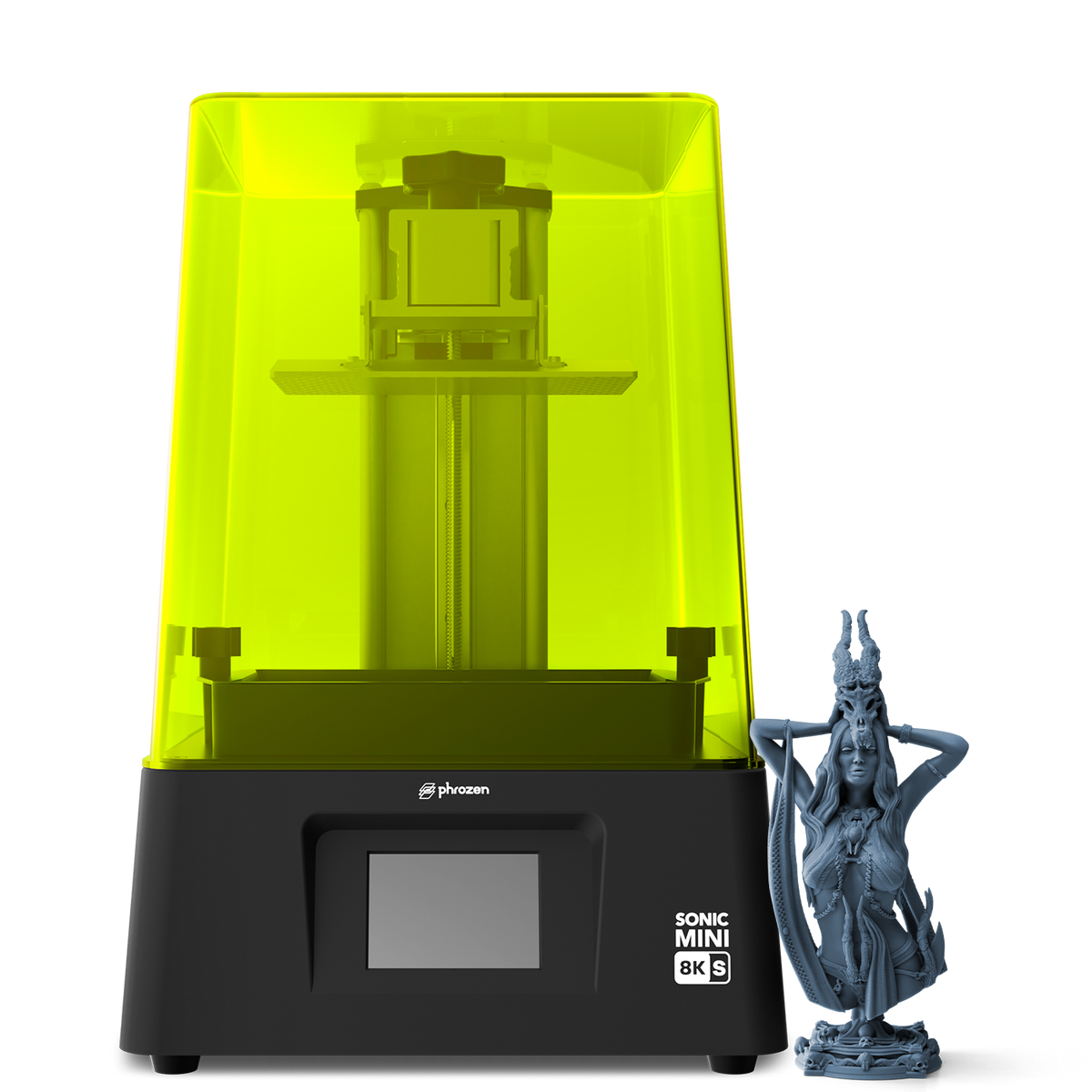 Read the reviewPhrozen Sonic Mini 8K SA small 22-micron resin printer for miniatures.
 Read the reviewElegoo Saturn 4 Ultra 16KBigger 10-inch 16K resin printer with a heated vat.
 Read the reviewElegoo Mars 5 UltraCompact 9K resin printer, covered in our beginner resin guide.
How it compares
Swipe sideways to compare all 2
| Spec | Anycubic Photon Mono M7 Pro | Phrozen Sonic Mini 8K S |
|---|---|---|
| Technology | MSLA resin | MSLA resin |
| Build volume | 223 × 126 × 230 mm | 165 × 72 × 170 mm |
| LCD | 10.1" monochrome, 14K | 7.1" monochrome, 8K |
| Light source | COB with Fresnel lens | Linear projection LED |
| XY resolution | 16.8 × 24.8 µm | 22 µm |
| Screen | 5" | 4.5" |
| Connectivity | USB, Wi-Fi | USB |
| Machine size | 310 × 315 × 520 mm | 290 × 290 × 430 mm |
| Weight | 12.8 kg | 10 kg |
| Where to buy |
Frequently asked questions
What is the Anycubic Photon Mono M7 Pro build volume?
223 × 126 × 230 mm, according to Anycubic.
Why does a heated vat help?
Most resins are specified for roughly 25–30 °C. In a cold room they thicken and prints fail more often; a heated vat keeps the resin in its working range.
Is the M7 Pro good for miniatures?
Yes. Its 14K screen gives 16.8 × 24.8 µm XY pixels, fine enough for tabletop miniatures and detailed figures.
Can I put a resin printer in my bedroom?
It is not recommended. Uncured resin gives off fumes and is a skin irritant; use a ventilated room away from living spaces.
Does the M7 Pro connect over Wi-Fi?
Yes. Anycubic lists USB and Wi-Fi connectivity.
Did you test the Anycubic Photon Mono M7 Pro yourselves?
No. This page is based on the manufacturer's published specifications and on public reviews, which we cite and date. If a brand lends us a unit, the page will say "Tested by the team".